Description
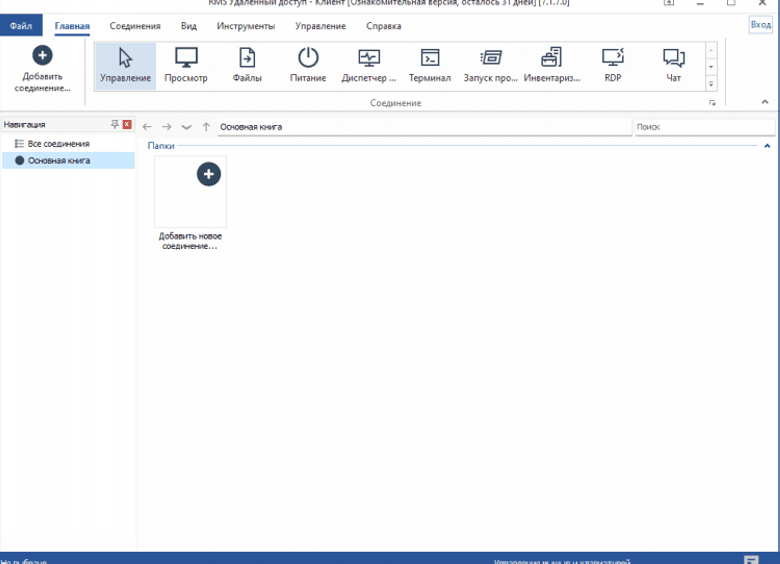
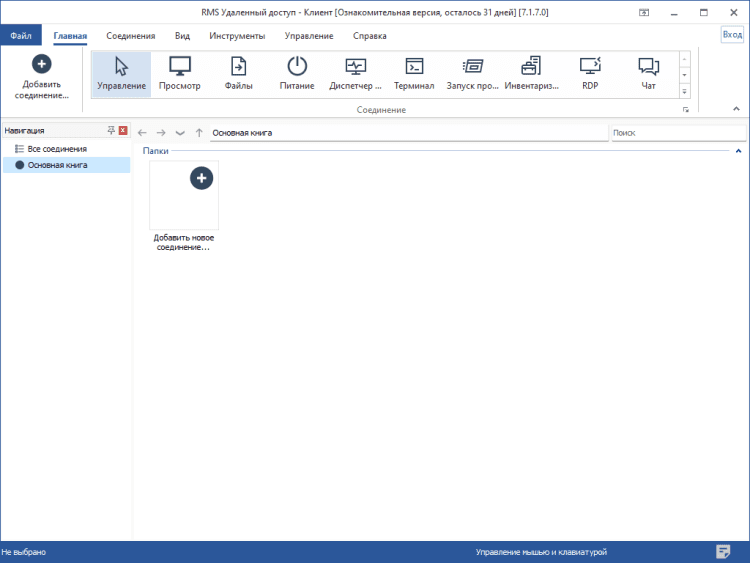
RMS Remote Access is a program for remote computer administration. More than ten modes of connection to a remote computer are available, such as remote desktop management, file sharing, remote computer hardware inventory, command line connection, etc.
The product is fully compatible with Windows 8 and the “Aero” graphical shell.
Of course, the key feature of the program is the remote desktop management mode. This mode allows you to connect to a remote computer and control it as if you were sitting right in front of its screen.
Connection modes
- Remote computer management;
- Remote monitoring;
- File manager;
- Remote task manager;
- Remote Device Manager;
- Remote Registry;
- Terminal – command line access (analog of the system utility “Command Line”);
- Power management;
- Remote program launch;
- Text chat;
- Connection to remote webcam and microphone;
- Sending a simple text message;
- Connection via RDP protocol;
- Recording the server desktop on a schedule.
Some additional features
- Ubiquitous Drag & Drop integration. Files and folders can be dragged and dropped in the usual Windows way – directly onto the remote desktop window and vice versa. The file manager also fully supports this technology;
- Support for multi-monitor systems;
- Audio streaming from a remote computer to a local one;
- It’s possible to lock the screen and keyboard of a remote computer during an administration session;
- Full support for the graphical shell “Aero”. The shell is not disabled during the connection, although there is a setting that allows you to disable it;
- Possibility to attach files to messages in text chat;
- “Intelligent downloading” of files through the file manager.
Description
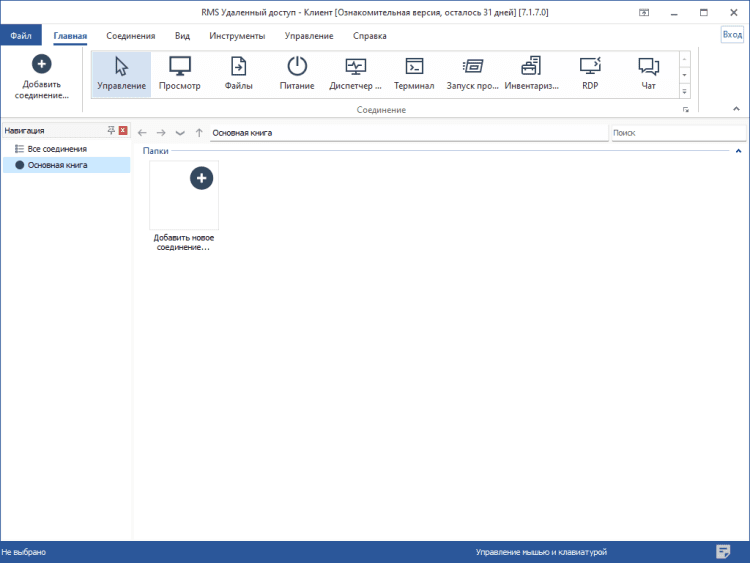
RMS Remote Access is a program for remote computer administration. More than ten modes of connection to a remote computer are available, such as remote desktop management, file sharing, remote computer hardware inventory, command line connection, etc.
The product is fully compatible with Windows 8 and the “Aero” graphical shell.
Of course, the key feature of the program is the remote desktop management mode. This mode allows you to connect to a remote computer and control it as if you were sitting right in front of its screen.
Connection modes
- Remote computer management;
- Remote monitoring;
- File manager;
- Remote task manager;
- Remote Device Manager;
- Remote Registry;
- Terminal – command line access (analog of the system utility “Command Line”);
- Power management;
- Remote program launch;
- Text chat;
- Connection to remote webcam and microphone;
- Sending a simple text message;
- Connection via RDP protocol;
- Recording the server desktop on a schedule.
Some additional features
- Ubiquitous Drag & Drop integration. Files and folders can be dragged and dropped in the usual Windows way – directly onto the remote desktop window and vice versa. The file manager also fully supports this technology;
- Support for multi-monitor systems;
- Audio streaming from a remote computer to a local one;
- It’s possible to lock the screen and keyboard of a remote computer during an administration session;
- Full support for the graphical shell “Aero”. The shell is not disabled during the connection, although there is a setting that allows you to disable it;
- Possibility to attach files to messages in text chat;
- “Intelligent downloading” of files through the file manager.
Versions
Download App RMS Remote Access
7.1.7.0
x32/x64
(42.68 MB)
Download App RMS Remote Access
6.10.10.0
x32/x64
(31.47 MB)